Building a Sanity Studio Plugin for Schema Markup
Structured data often gets bolted onto the frontend as a one-off concern, which makes it fragile and hard to maintain. I wanted a better way to connect schema markup to the content workflow itself.
What I built
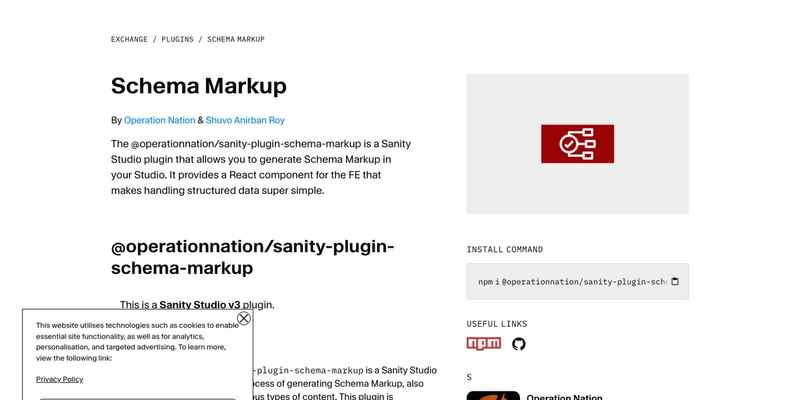
- A Sanity Studio plugin that lets teams add schema markup fields directly to documents.
- Frontend helper components for injecting JSON-LD into React and Next.js applications.
- A customizable configuration layer so teams can define patterns that match their content model and SEO needs.
Technical decisions
- Built the plugin around Sanity Studio conventions so adoption stays low-friction for existing projects.
- Kept the output close to real JSON-LD usage instead of hiding it behind an opaque abstraction.
- Made the plugin configurable because schema requirements differ a lot between projects and industries.
Why this project matters
- It demonstrates useful CMS tooling rather than yet another theme or starter.
- It shows that I think about editor workflows, not just frontend rendering.
- It is a practical example of shipping developer tooling that improves both SEO and content operations.
Links
- GitHub: https://github.com/Operation-Nation/sanity-plugin-schema-markup
- Live URL: https://www.sanity.io/plugins/sanity-plugin-schema-markup
- Primary language: TypeScript
Takeaway
This project reflects the kind of work I enjoy most: shipping practical software, tightening the developer or user workflow, and documenting the technical decisions clearly enough that another engineer can pick it up and keep moving.